

How to create a Click to Call Button
Do you want to create an easy “Call Now” button for your viewers? With Replug, it’s easy. This guide will show you how to add a simple “Click to Call” button.
Log into your Replug account.
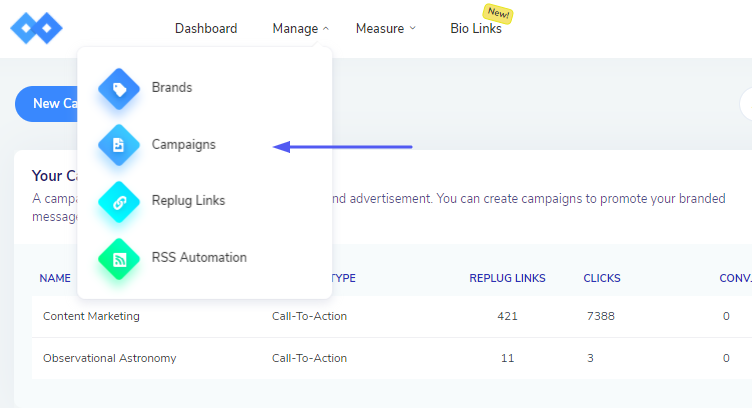
Hover over to Manage on the top of the navigation menu and click on Campaigns
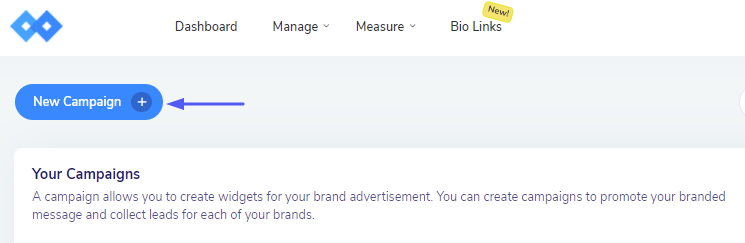
Click on New Campaign and select your brand.
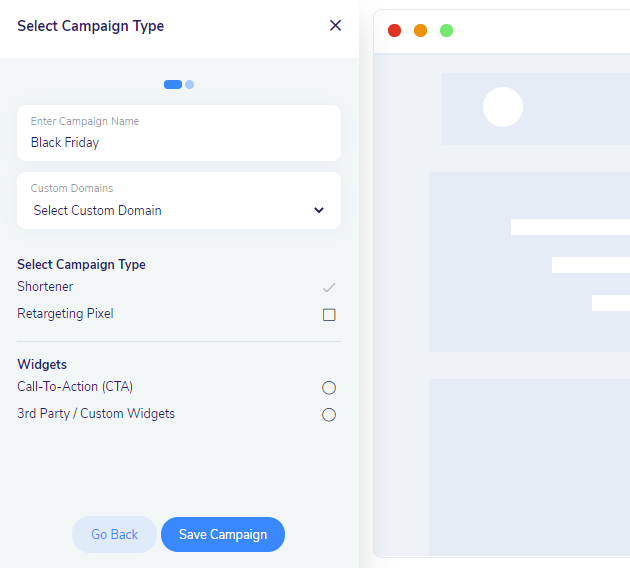
After it, you need to enter the campaign name, select the CTA type, and move forward.
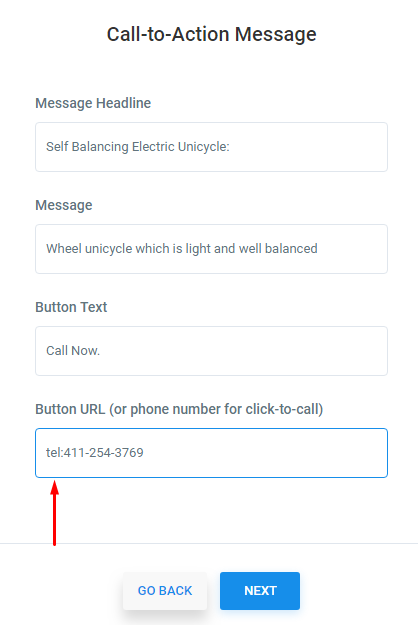
You are required to add an action message related to your brand. Now, your Campaign has the option of an add a telephone number in the URL button for click to call.
If you have any questions related to Replug, you can email us directly at support@replug.io or use the live chat on this page (also available on the dashboard at any time).
Was this article helpful?