

How do I track the Clicks of the Replug Brand ?
To track the clicks for your individual brand to identify the performance through Replug, you have to follow these basic steps:
Log into your Replug account:
From the Replug dashboard, hover over to Manage, Click on Brand, there you will see the clicks which are generated from different domains towards your brand.
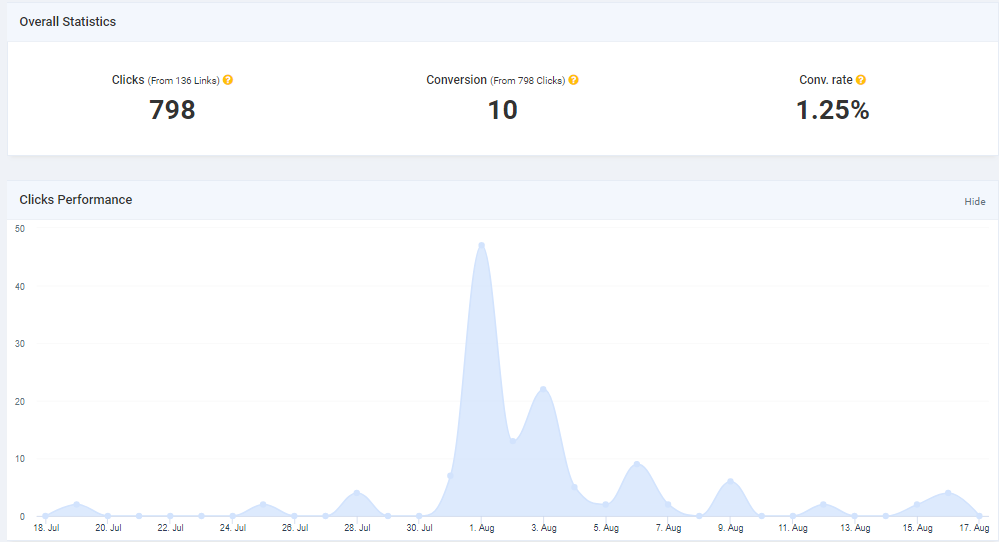
If you want to view the performance of any brand, you just need to click on View Stats and you will see the overall statistics of that particular brand.
Also, Check our Blog on Increasing Conversion Rates
If you have any questions related to Replug, you can email us directly at support@replug.io or use the live chat on this page (also available on the dashboard at any time).
Was this article helpful?