

How do I track the Clicks of the Replug link?
There are some steps which help you understand how you can track the clicks of your Replug link
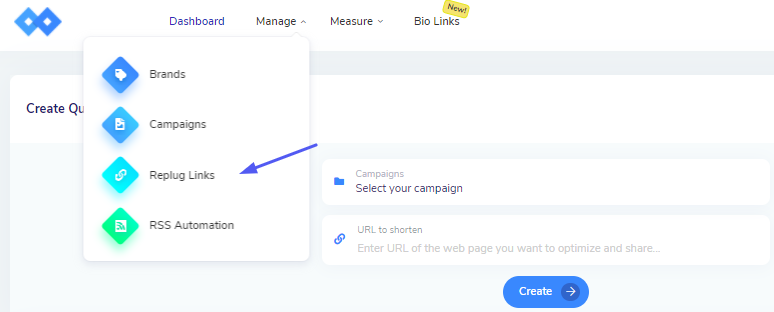
1. Log into your Replug Account and select Replug Links from the drop-down on Manage Tab
2. Hover over to the Replug Links page to track the clicks of the link.
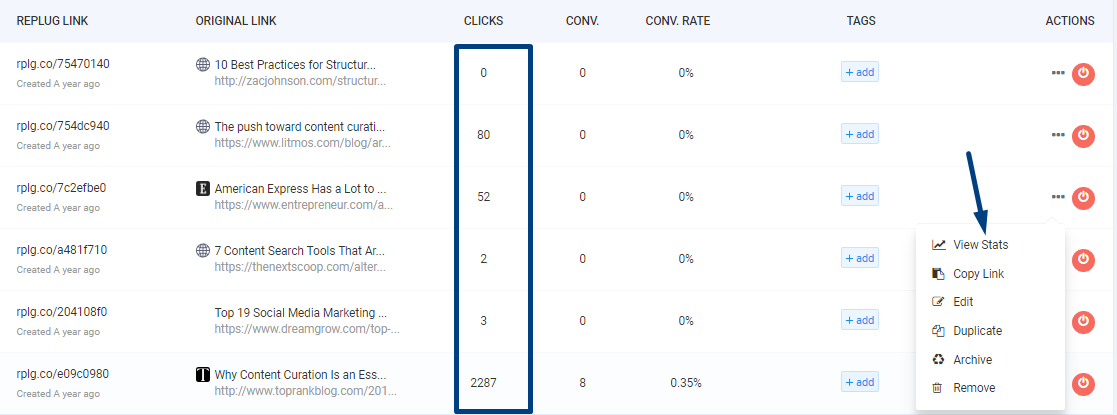
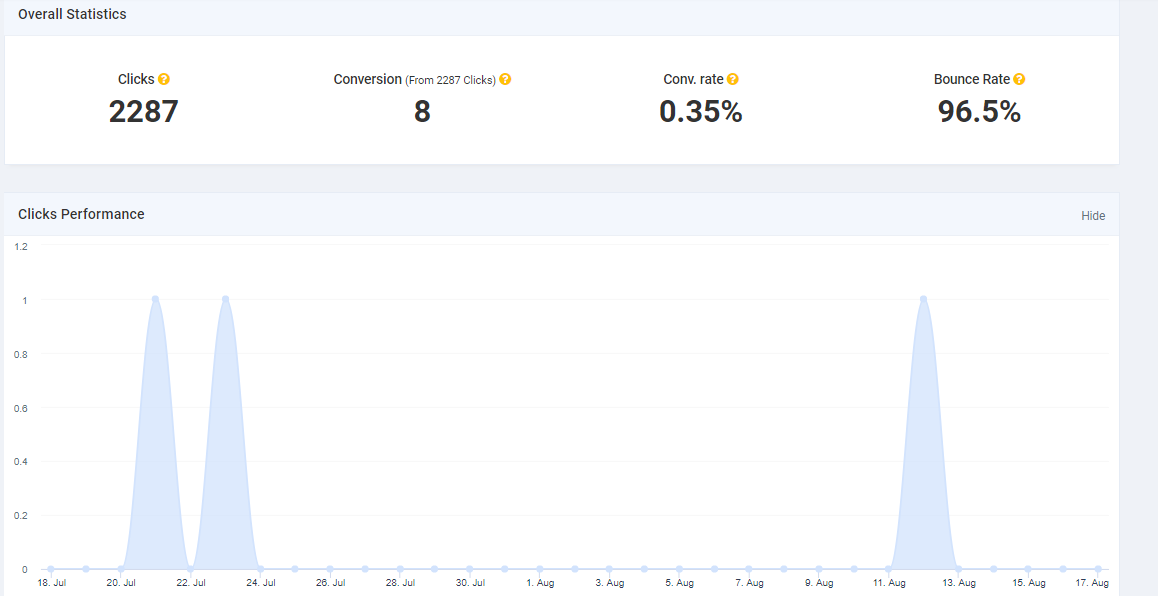
3. Click on View status so you can view the overall performance of the link and leads generated
If you have any questions related to Replug, you can email us directly at support@replug.io or use the live chat on this page (also available on the dashboard at any time).
Was this article helpful?