

Detailed Example of Traffic Routing in Replug Link
Following is a step-by-step guide for using Traffic Routing Rules.
Step 1
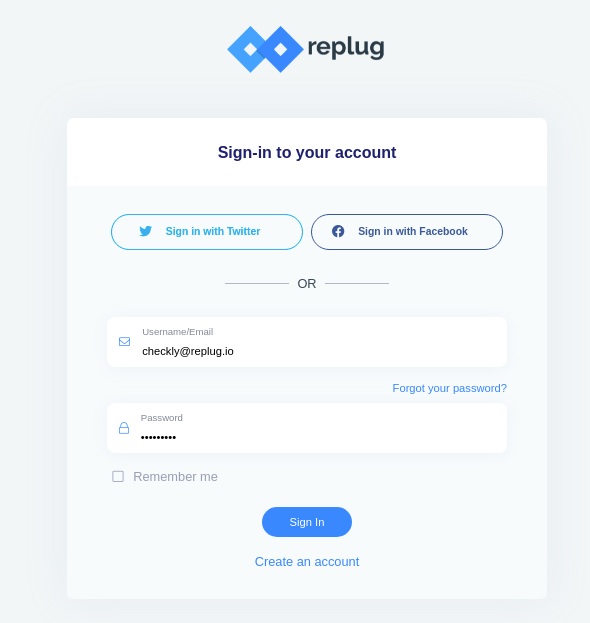
Login or Sign In to https://app.replug.io/.
Step 2
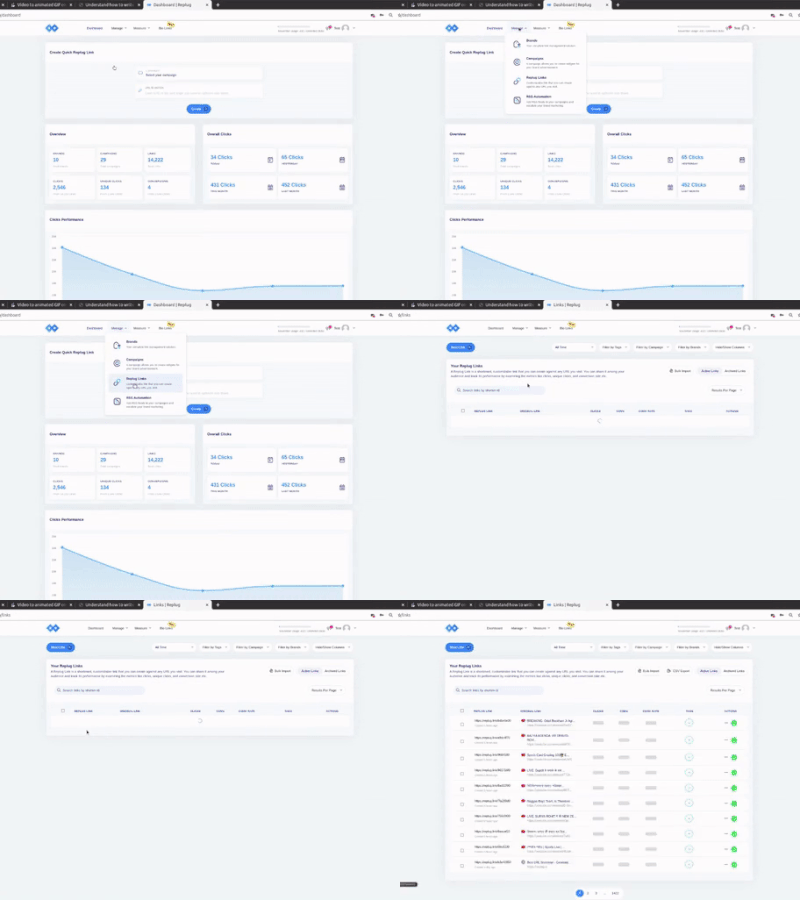
Click on the Replug Links from the drop-down menu of Manage in the header.
Step 3
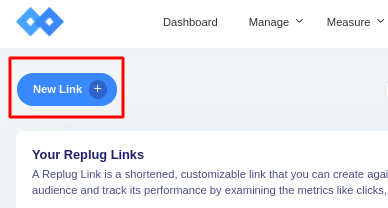
Click on New Link Button at the top left of the screen.
Step 4
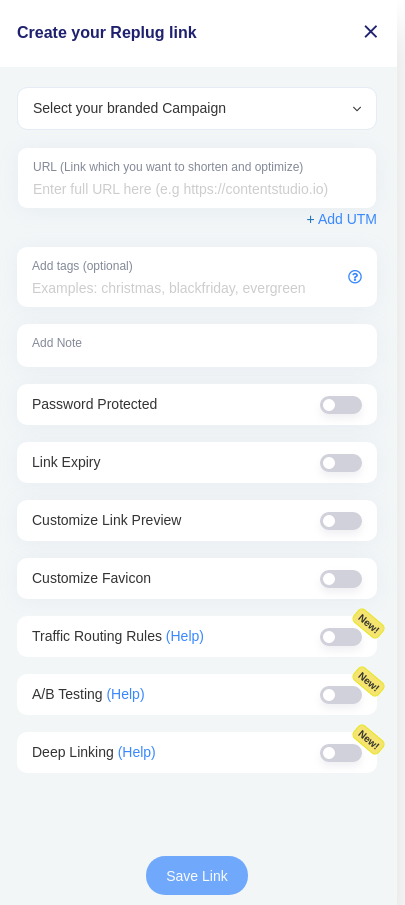
Create Your Replug Link will appear asking for several inputs according to the brand/campaign you selected or created.
Step 5
Select your branded campaign from the drop-down or you can also create one.
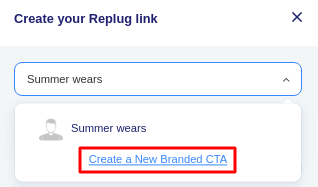
To Create A New Branded CTA, visit https://docs.replug.io/article/185-how-to-create-a-campaign.
Step 6
Enter Your URL you want to shorten or optimize and will act as destination URL.
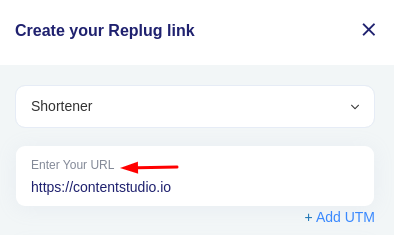
For Information Regarding UTM, visit https://docs.replug.io/article/838-how-to-use-replug-utm-builder.
For a step by step guide of the below-mentioned fields, visit https://docs.replug.io/category/207-links
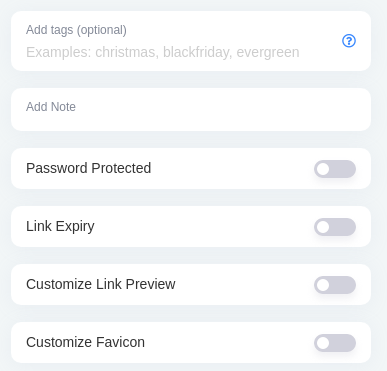
Step 7
Enable the toggle for Traffic Routing Rules and click on Add New Rule.
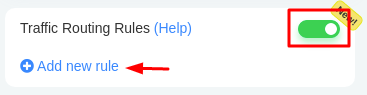
Step 8
A pop-up will appear to Create a Routing Rule.
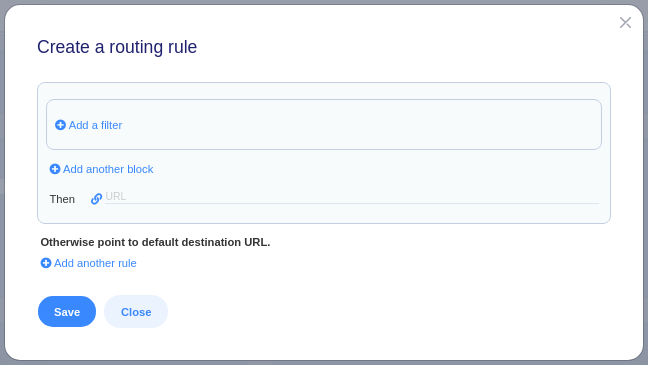
Step 9
Click on Add a Filter and Select an option from the drop-down list.
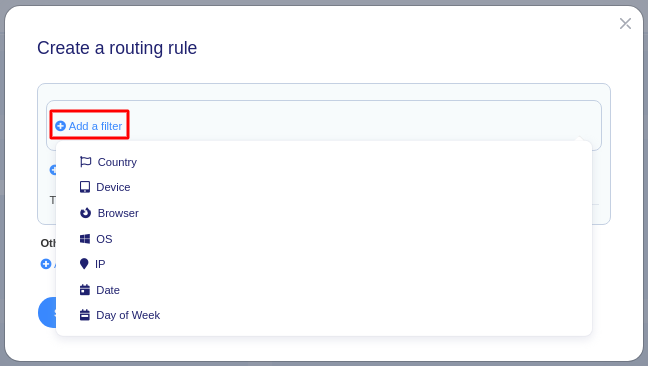
For Instance, you want to target the audience of a specific country or various countries. Click on a country and then Select Country and Check the boxes against countries as per requirements.
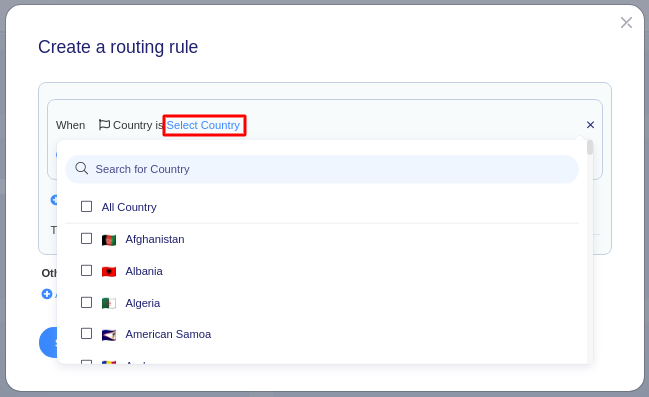
You can add more Filters as shown below.
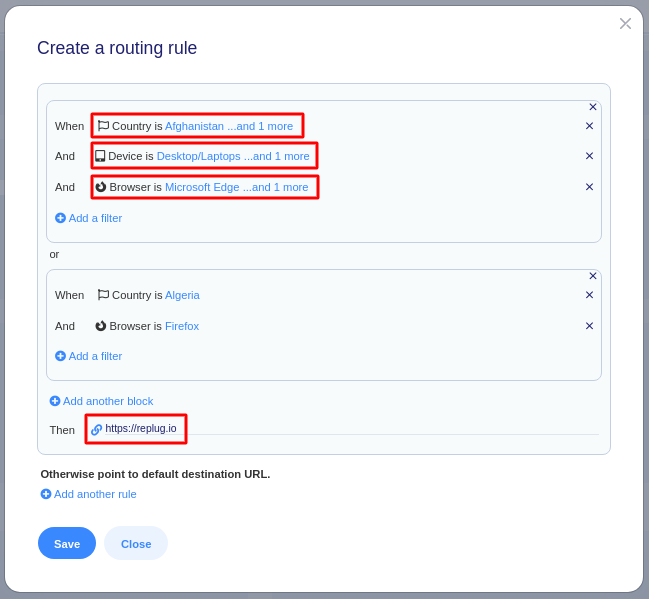
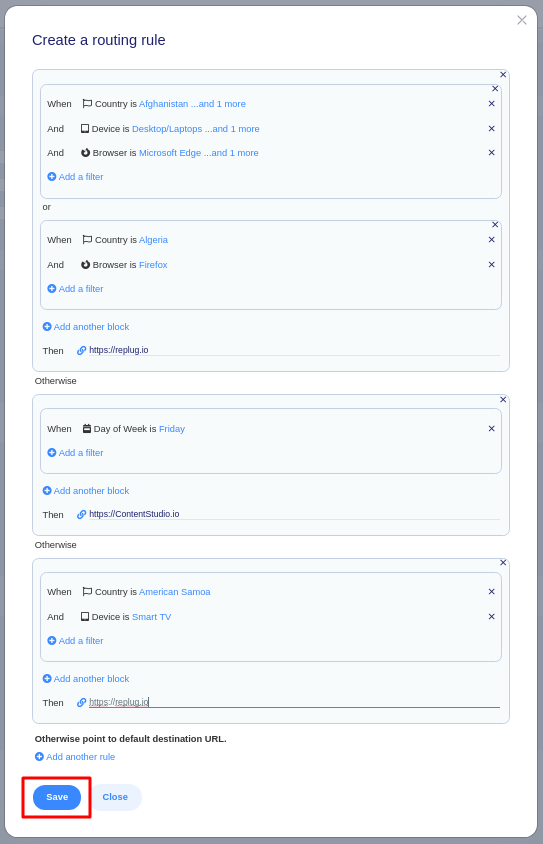
You can also add multiple blocks for conditional routing by using Add another Block or Add another Rule.
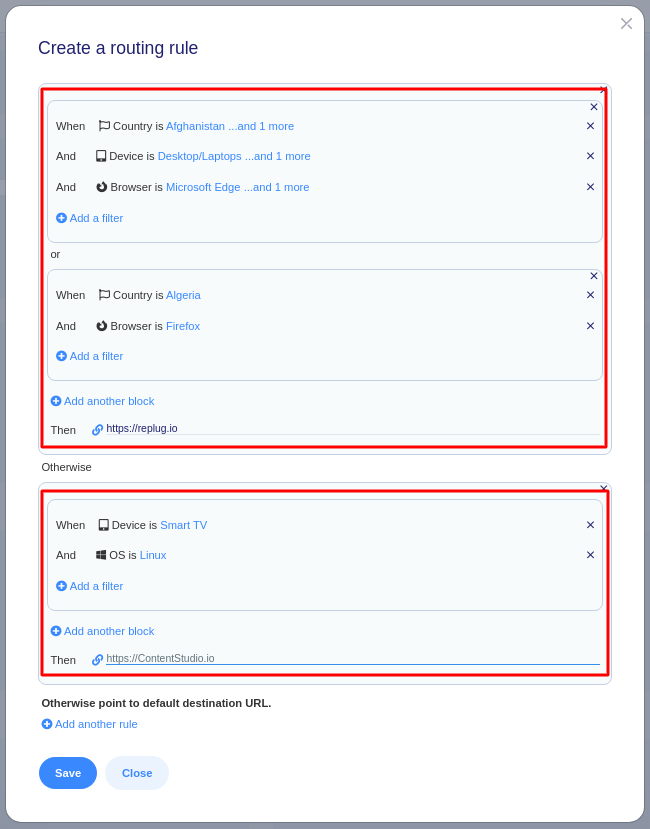
Add another Block means that we can add another destination URL (Then) which can be visited if all the filters (inside the block) are matched.
Step 10
Once done with Rules click on the Save button at the left bottom of the popup.
Step 11
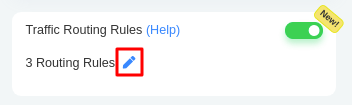
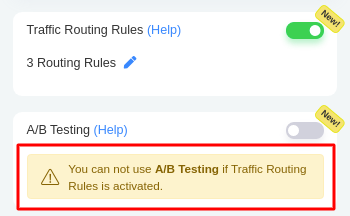
Traffic Routing Rules have been added. You can also edit the rules by clicking on the pen icon against the routing rules.
Step 12
Click on the Save Link button.
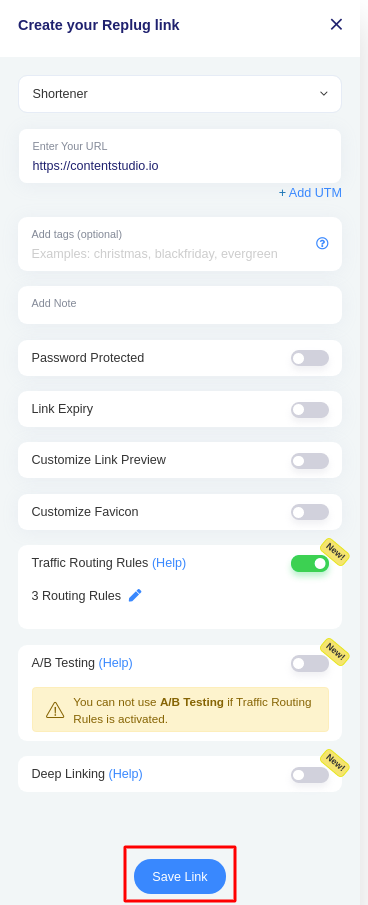
Congratulations! You have successfully created a link.
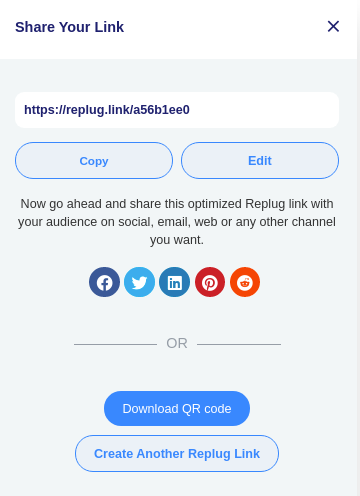
Example for TR.
Routing Rules act like conditional statements. Each routing rule consists of one or multiple blocks. Each block consists of one or multiple filters. For a block to be considered as 'Matched', ALL filters should be matched within the block. For a routing rule to be considered as 'Matched', ANY block amongst a rule should be matched.
Destination URL = Rule#1 or Rule#2 or Rule#3 or ...
Rule = Block#1 or Block#2 or Block#3 or ...
Block = Filter#1 and Filter#2 and Filter#3 and ...
Each Rule contains a destination URL known as 'Then', when any block of the rule is matched, we follow along with the destination URL mentioned in that Rule. For a block to be considered as Matched, ALL filters in that block should be matched.
Was this article helpful?