

How to use A/B Testing with Replug Links
Replug has introduced a new feature named A/B Testing, also known as split testing.
It refers to a randomized experimentation process wherein two or more versions of a variable (web page, page element, etc.) are shown to different segments of website visitors at the same time to determine which version leaves the maximum impact and drives business metrics.
Utilization of the A/B Testing feature requires 4 simple steps.
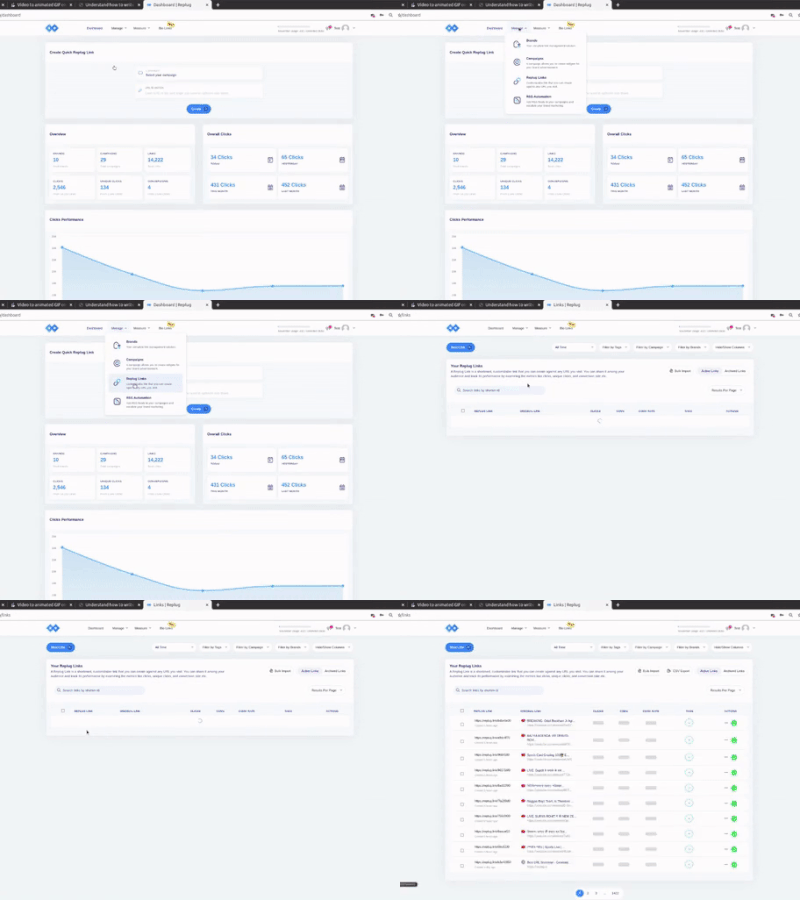
Login to the Replug Application. Navigate to the Replug Links page. Click on the New Link button and proceed with the Link Creation Steps.
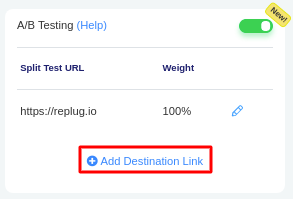
Prior to saving the Link, enable the A/B Testing feature by toggling its slider button. This will populate your destination URL as the first A/B Testing Link with 100% weightage. More URLs can be added by clicking the Add Destination Link button.
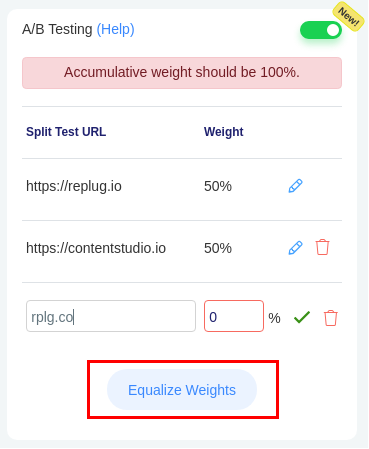
Each URL can hold separate weightage, given that the accumulative weightage is 100%. You can also make use of Equalize Weights button.
You are all set to save your branded link with A/B Testing Feature enabled. Grab your Audience by sharing your Replug Link.
Was this article helpful?