

Campaign Monitor Integration
Campaign Monitor is another great email marketing platform which you can use to collect leads and interact with your subscribers through personalized email and automated campaigns.
Below are the guidelines which help you to learn how you can connect your Campaign Monitor account with Replug.io to collect leads from branded ads.
Step 1 Connect to Replug
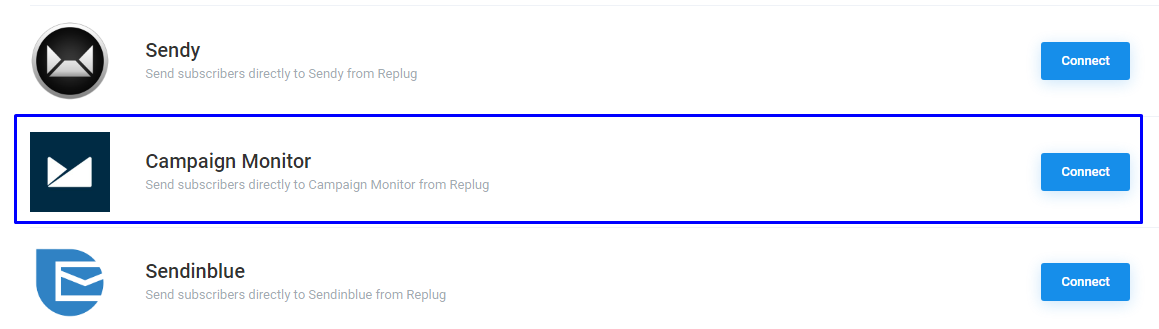
Starting off, from the Replug dashboard, log into your Replug account. Go to Settings > Integrations > Campaign Monitor, click on the Connect button to integrate your account with Campaign Monitor.
Step 2 Input Credentials
Enter your Credentials, includes your email and password. After this, they will ask for permission to access the features in your Campaign Monitor account.
In Campaign Monitor, you don't need of API key to access the account, it redirects the URL of Campaign Monitor.
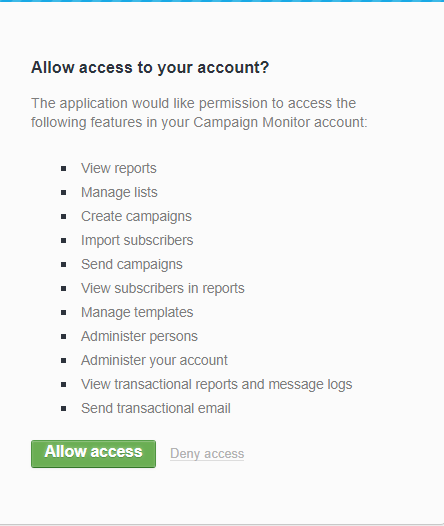
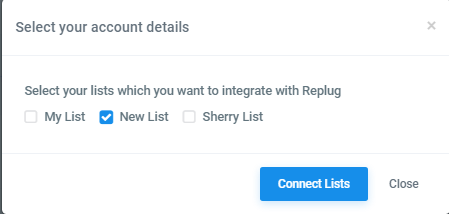
Once you give the access, you need to choose the lists which you'd like to integrate and click on the Connect lists.
Step 3 You're Connected
While creating a campaign, you have the option to select Campaign Monitor in CTA type. After that, you need to select your email and list. After that, you have to create a Replug link. Copy it and share it on your social media channel.
Troubleshooting
If you have connected your campaign to Campaign monitor list and data is not being passed to your list, these are the most common reasons as to why
Was this article helpful?